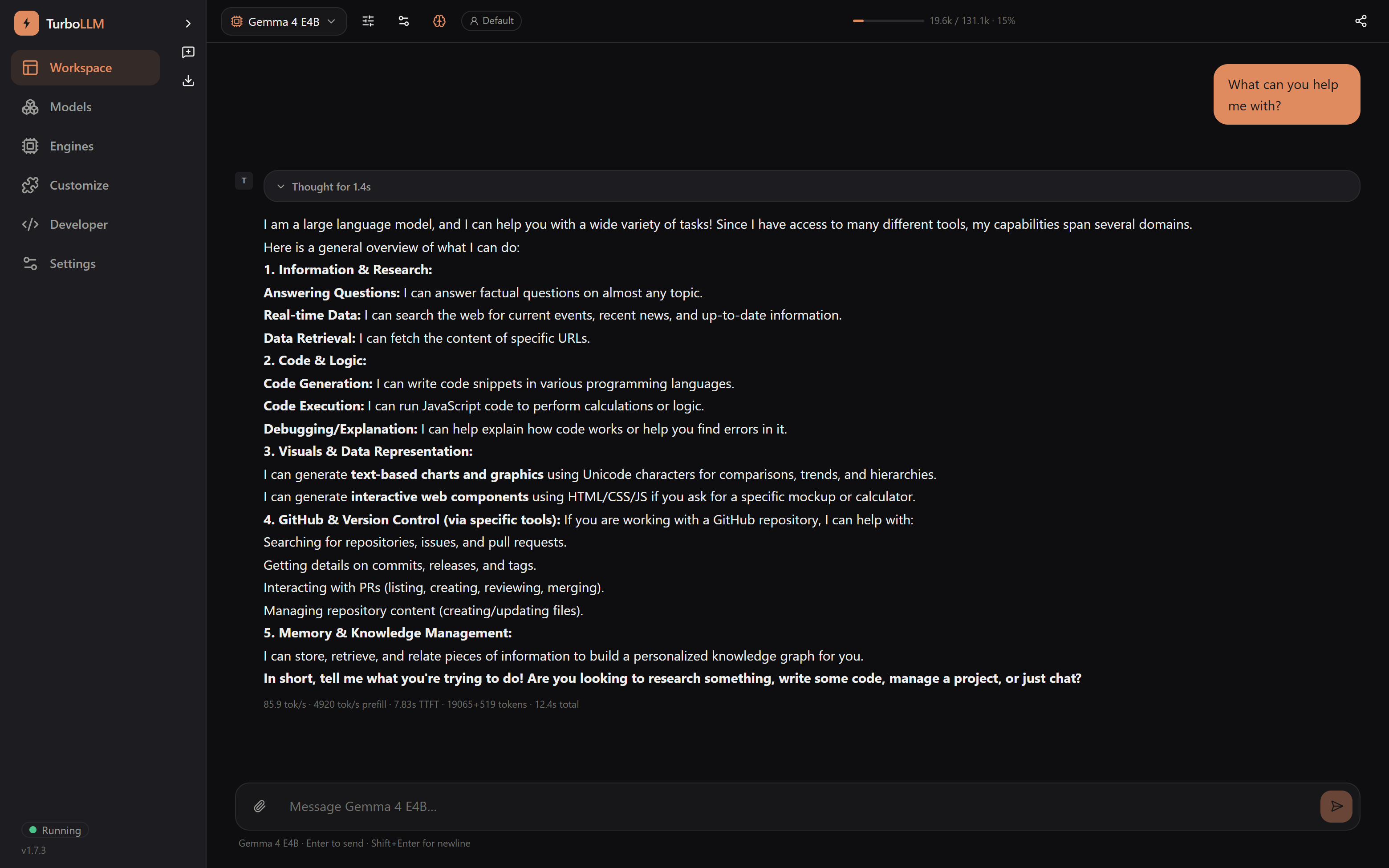
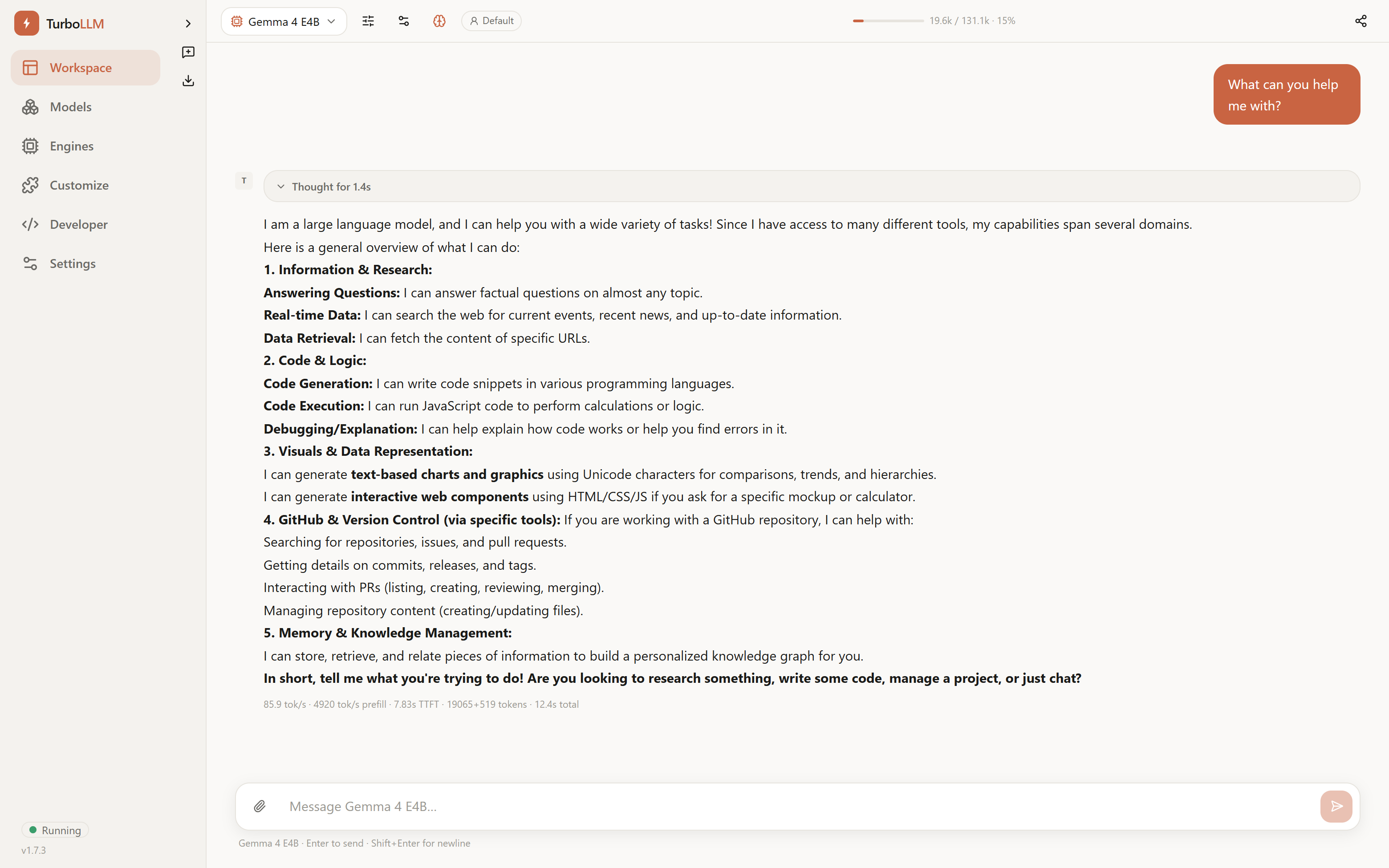
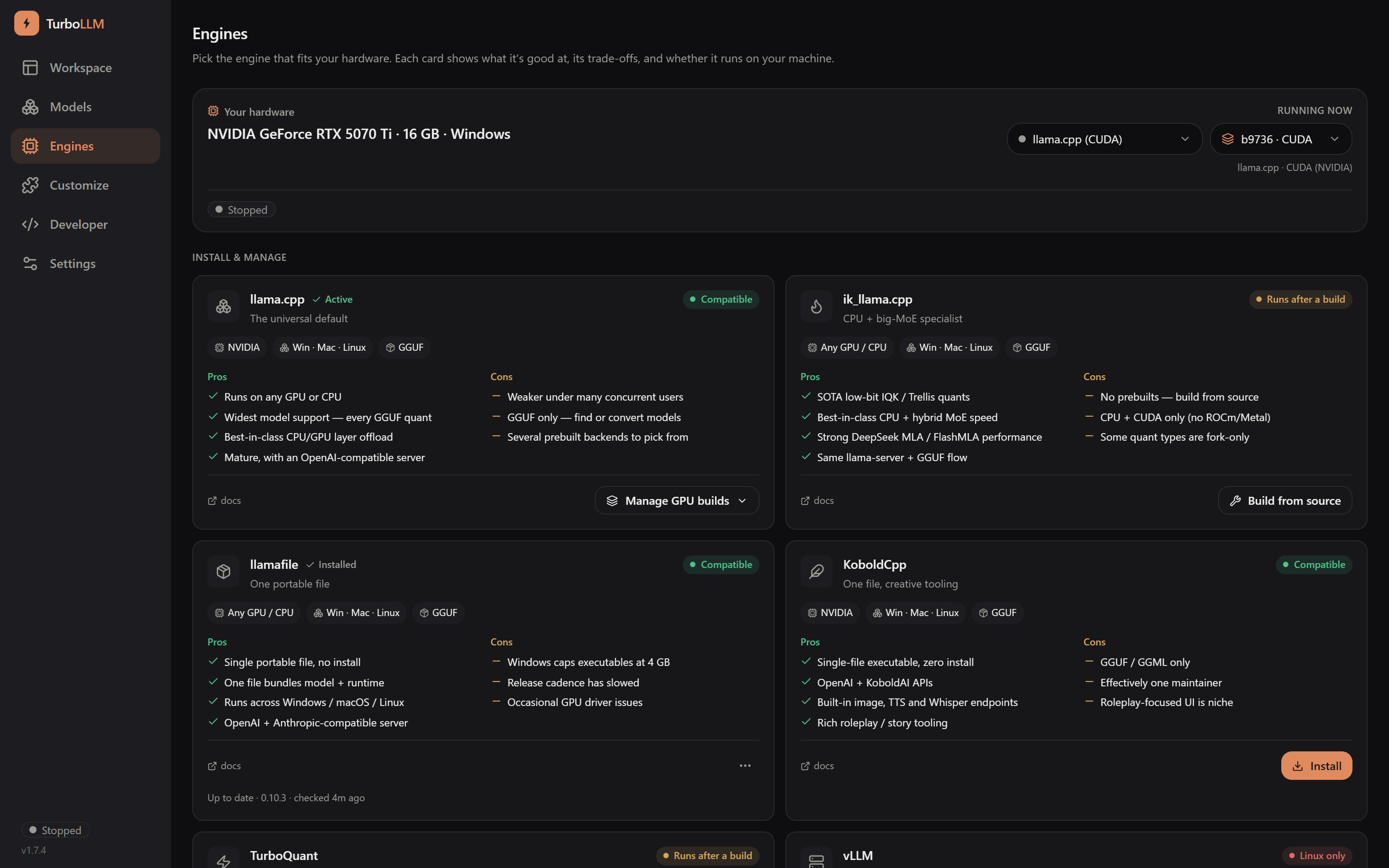
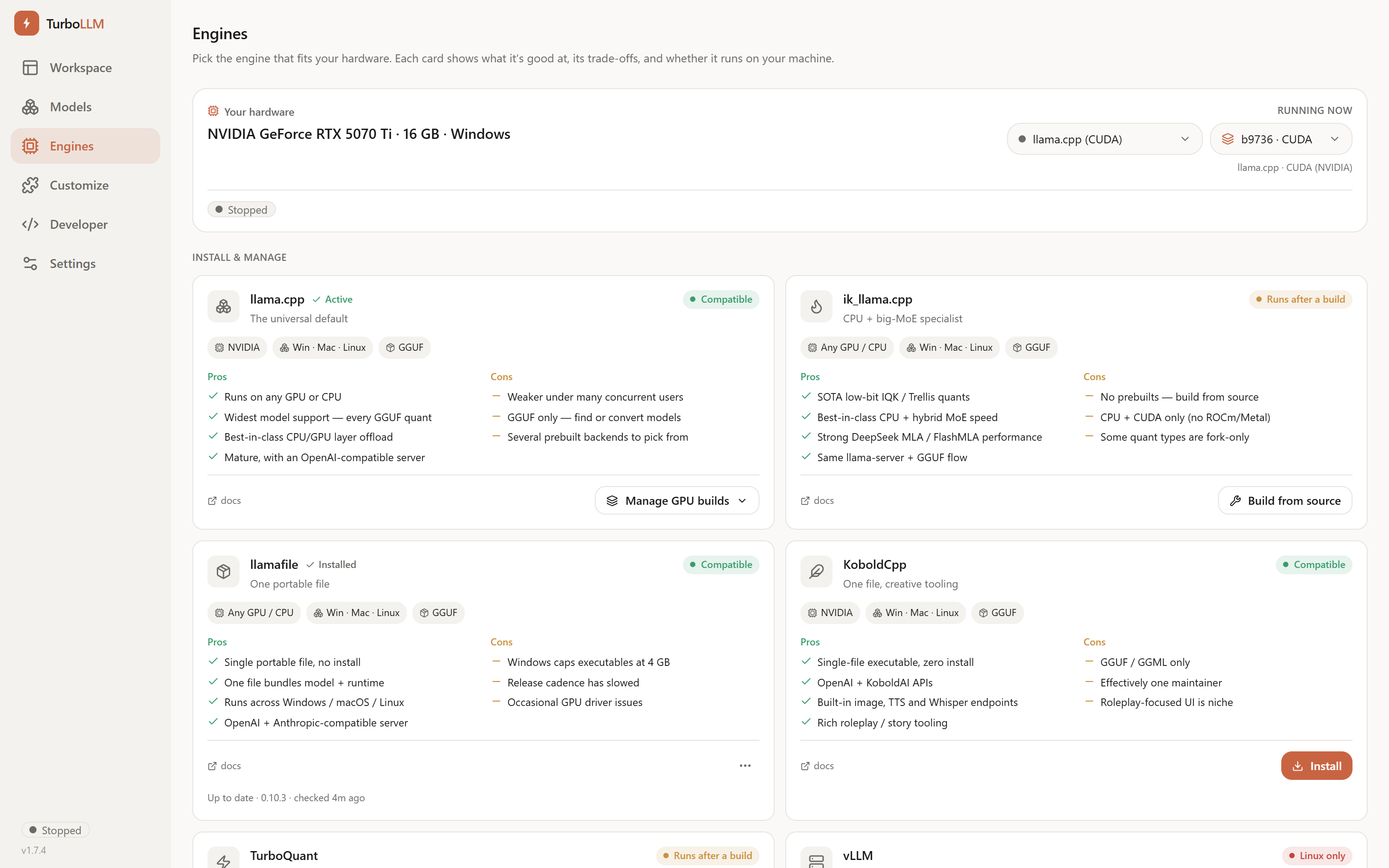
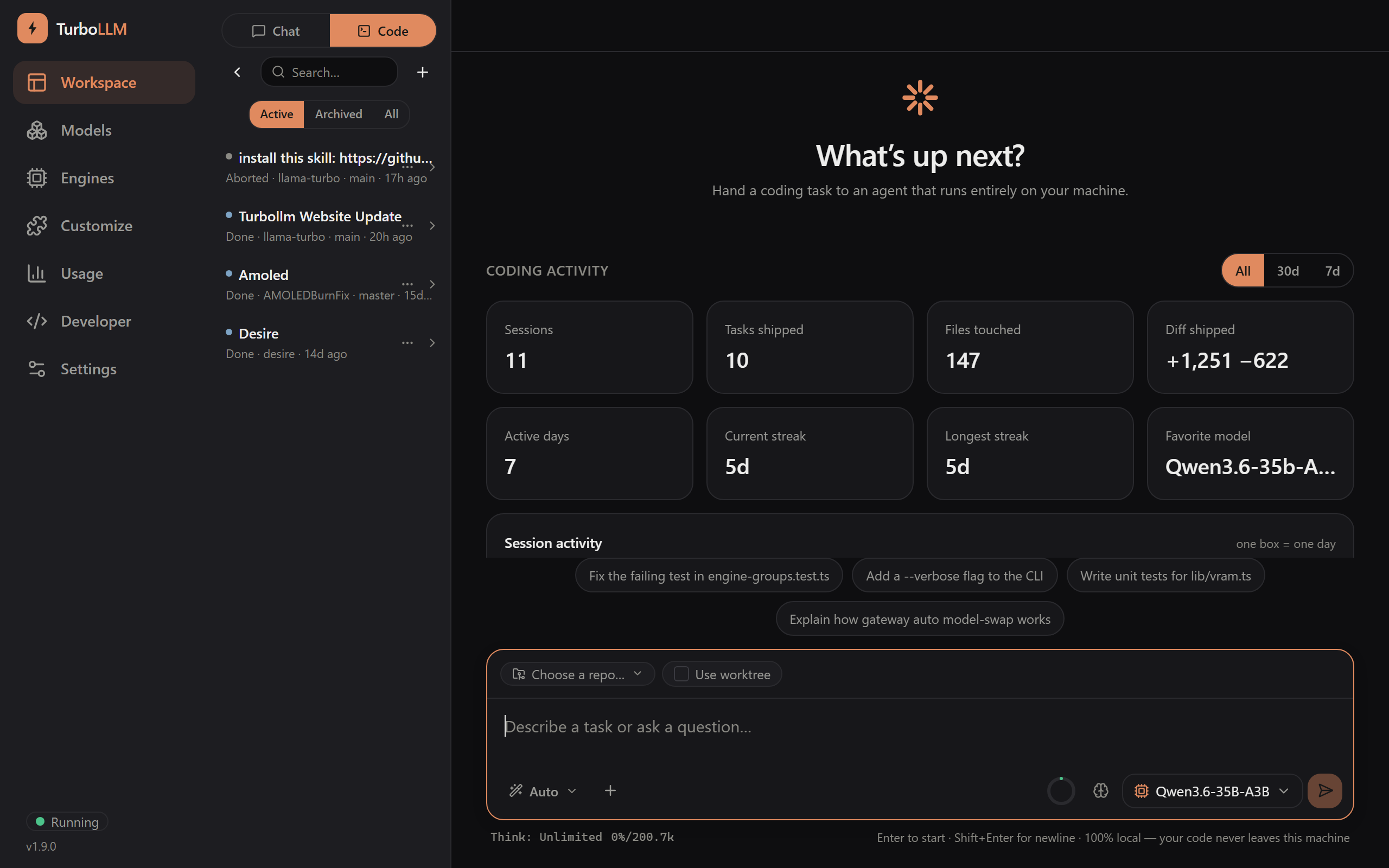
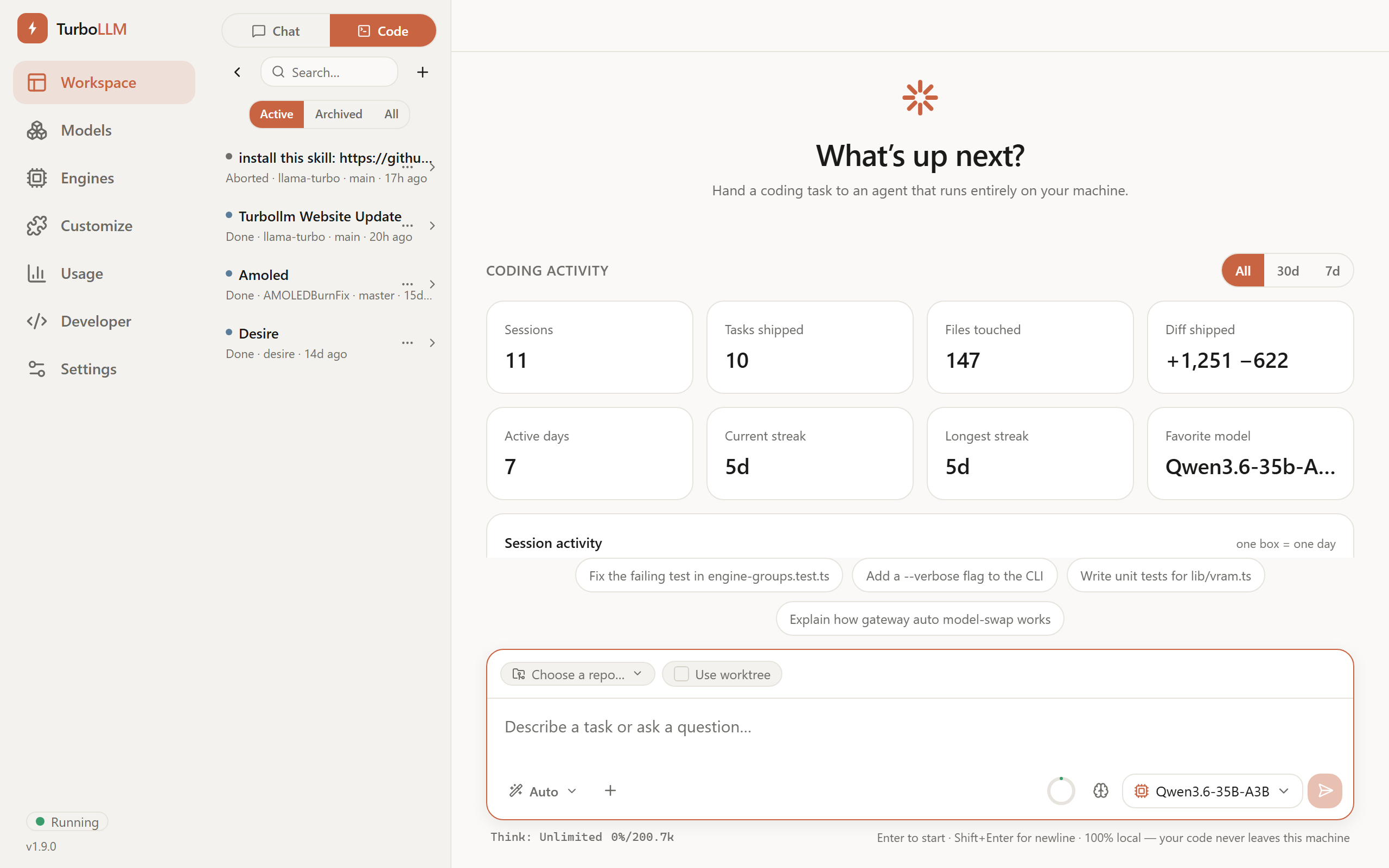
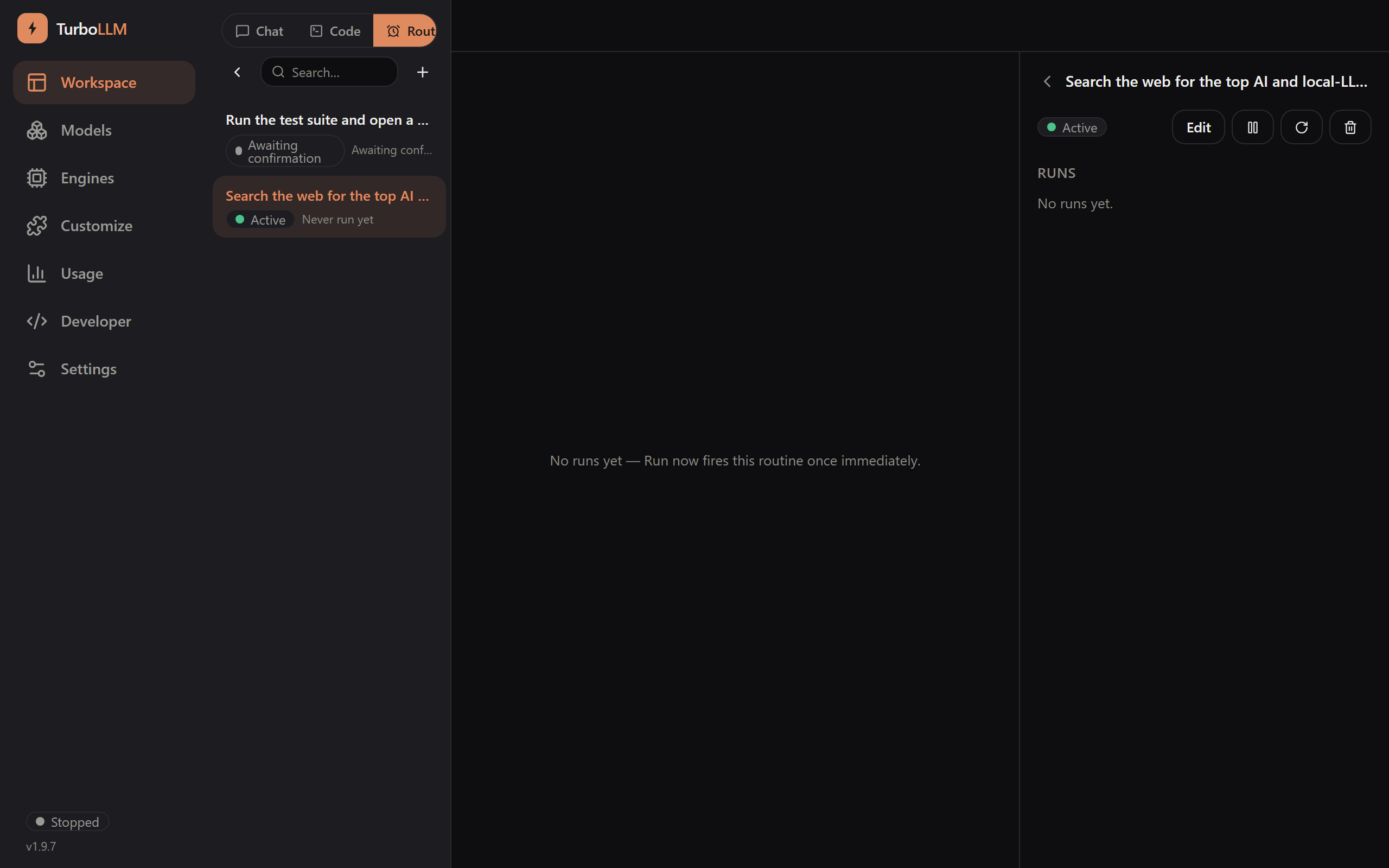
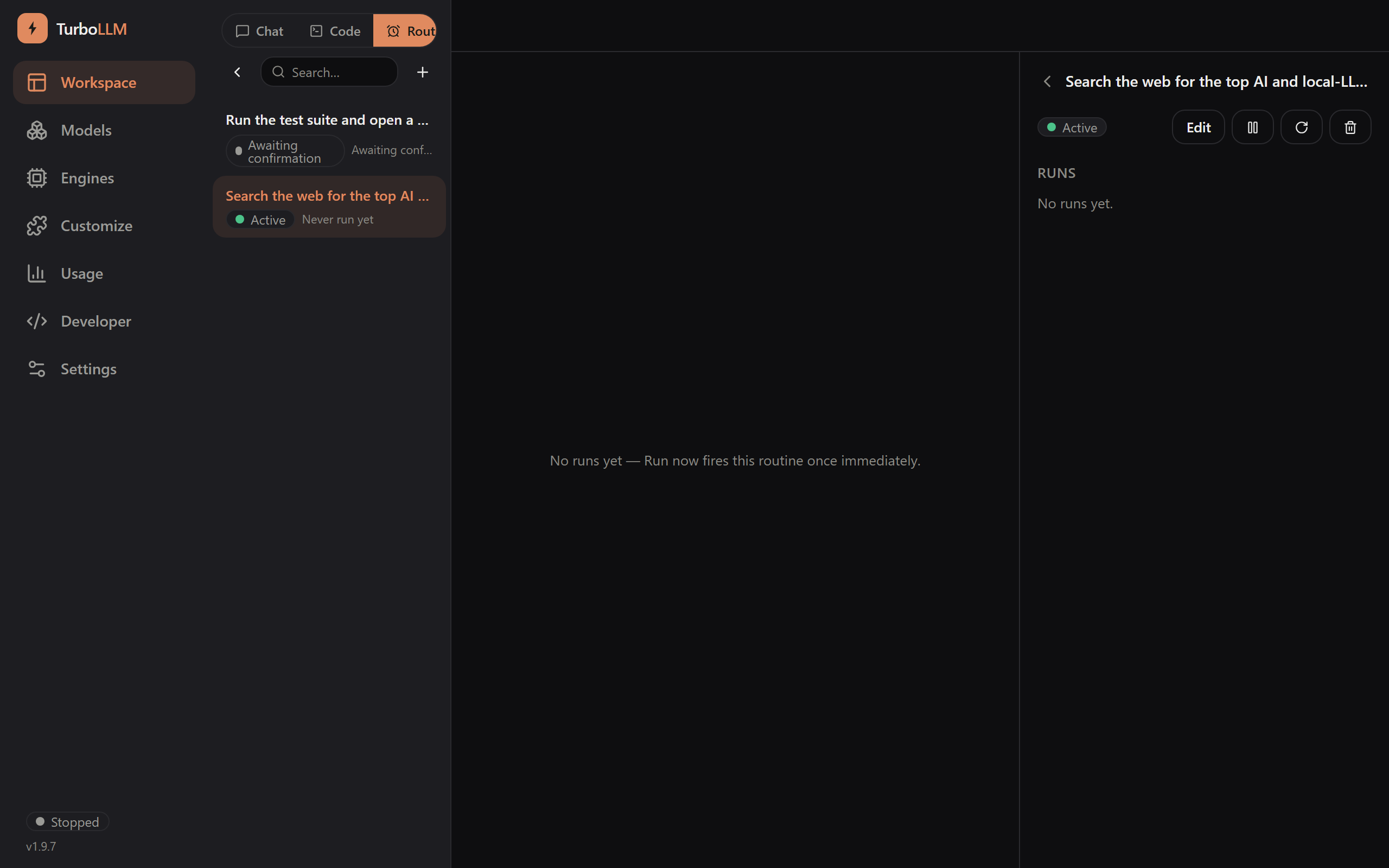
v1.7.0 — tool-call approval gate & VRAM headroom control

Run any local LLM engine,
auto-tuned to your GPU

Bring your own llama.cpp fork. No compiling. No Electron. No Python. Point Claude Code at your own machine in one command — fully offline.

2.2×
Faster than other inferences
~2MB
npm package size
5
Engine types supported
0
Telemetry collected

Why TurboLLM

Local-LLM tools make two choices for you, and both cost you performance. TurboLLM does the opposite.

Any engine, including forks

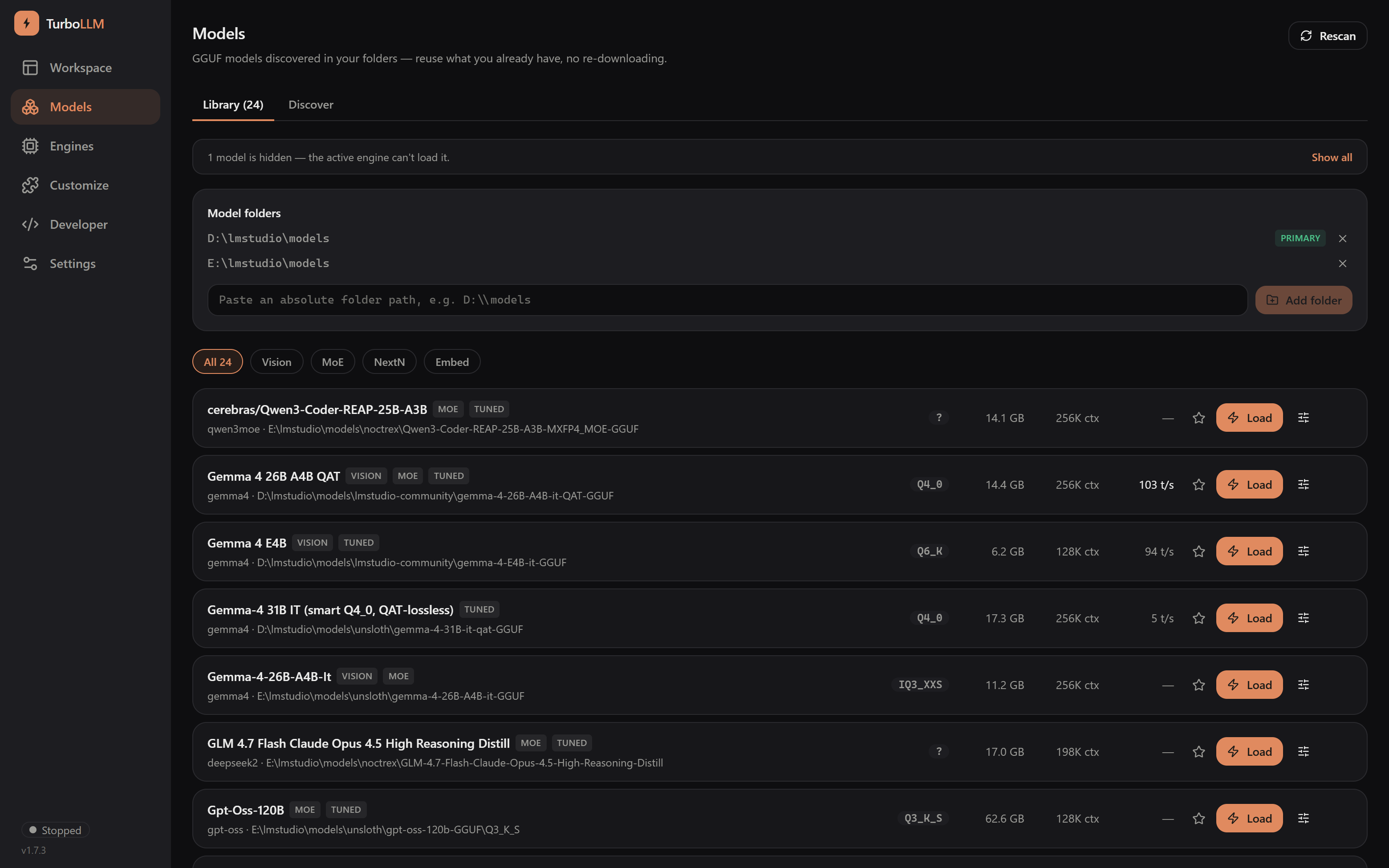
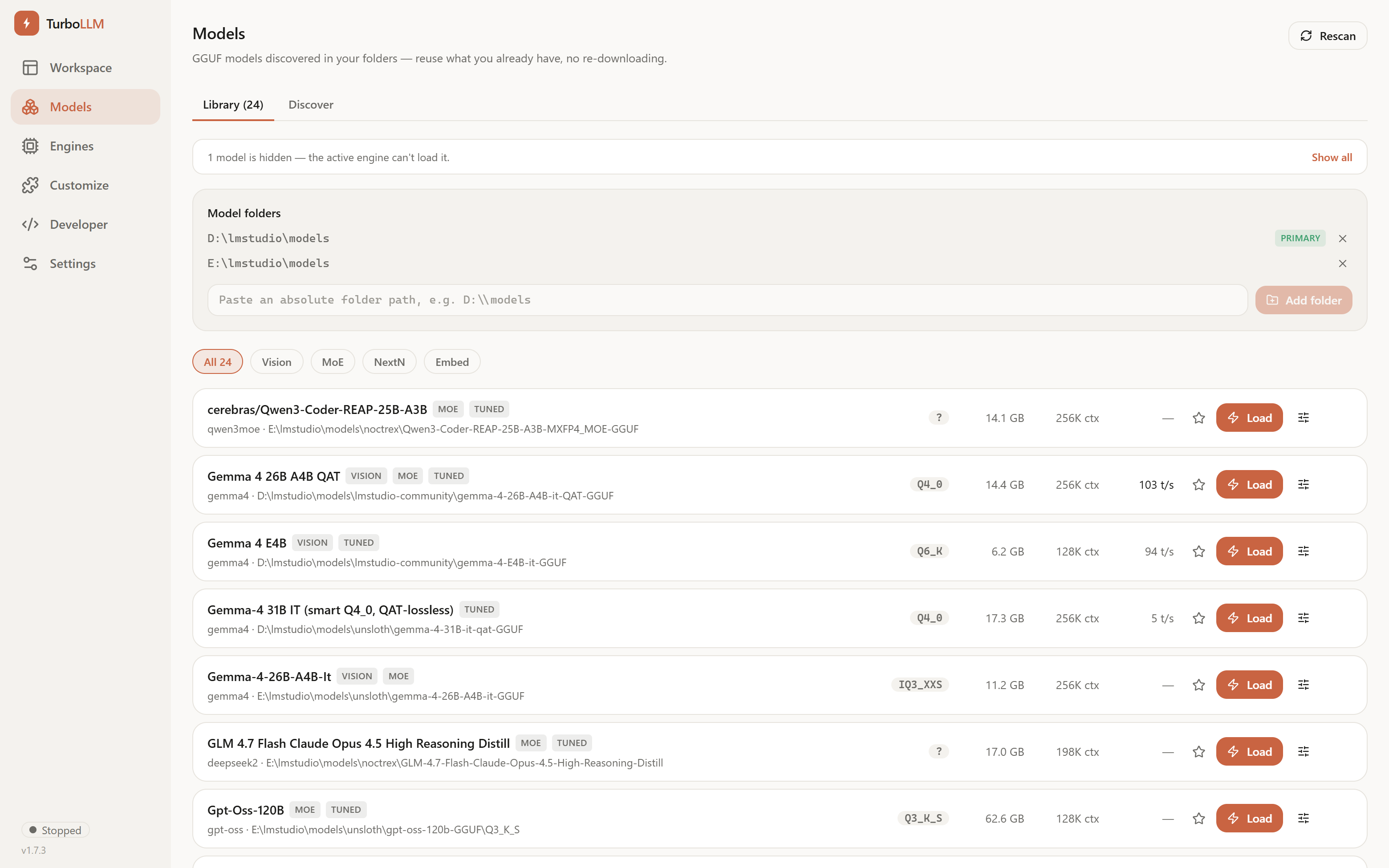
Point it at any llama.cpp-compatible binary — a build you compiled, a community fork, or the one it auto-provisions for your GPU. The fastest community innovations land in forks first.

Auto-tuned to your hardware

Benchmarks on load, derives fast defaults, and shows a VRAM-fit verdict before you load — no more flag guessing.

Real tokens/sec, never faked

Speed in the model list is measured on your machine from actual generation — live while you chat, and remembered per model.

Drop-in APIs

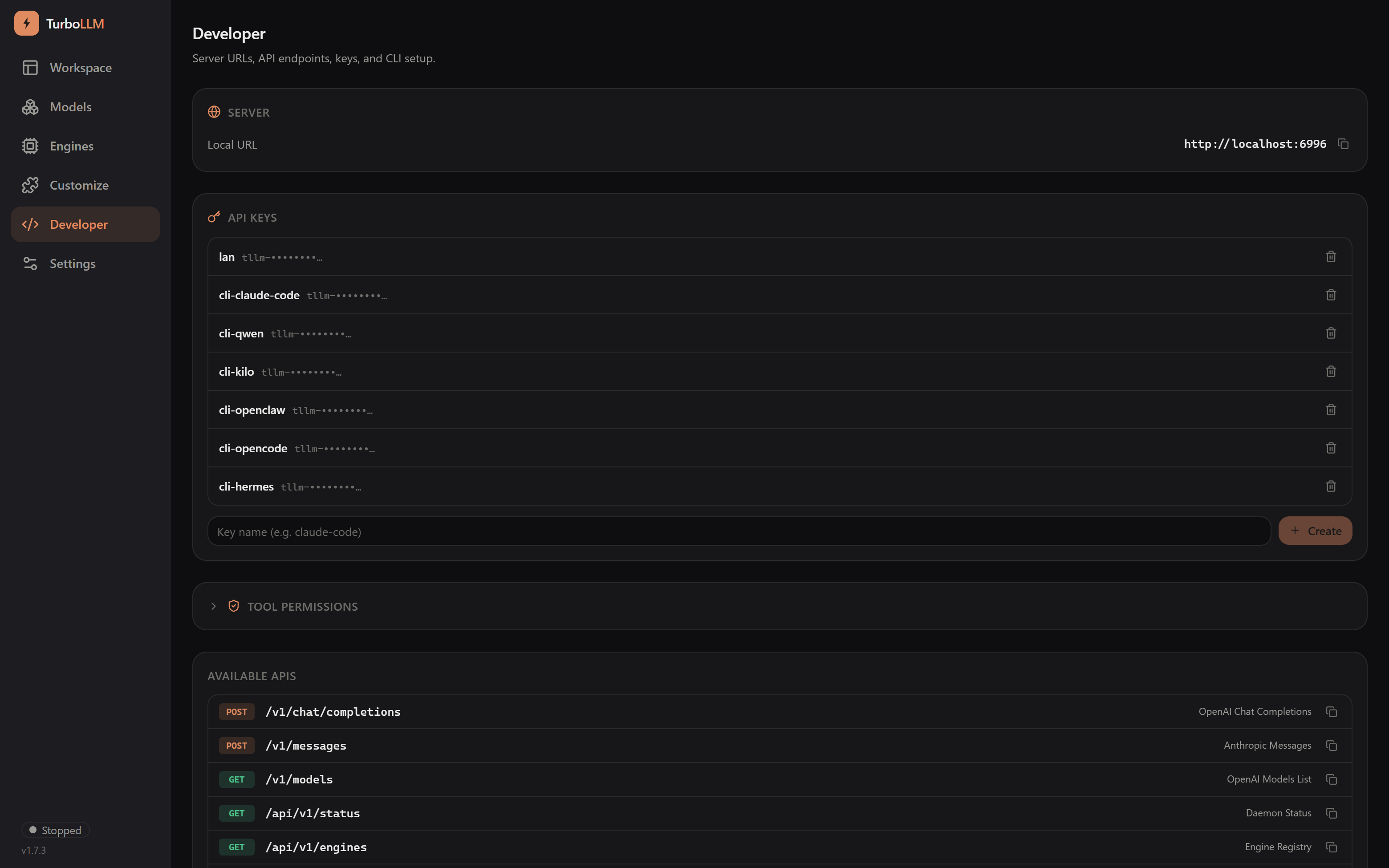
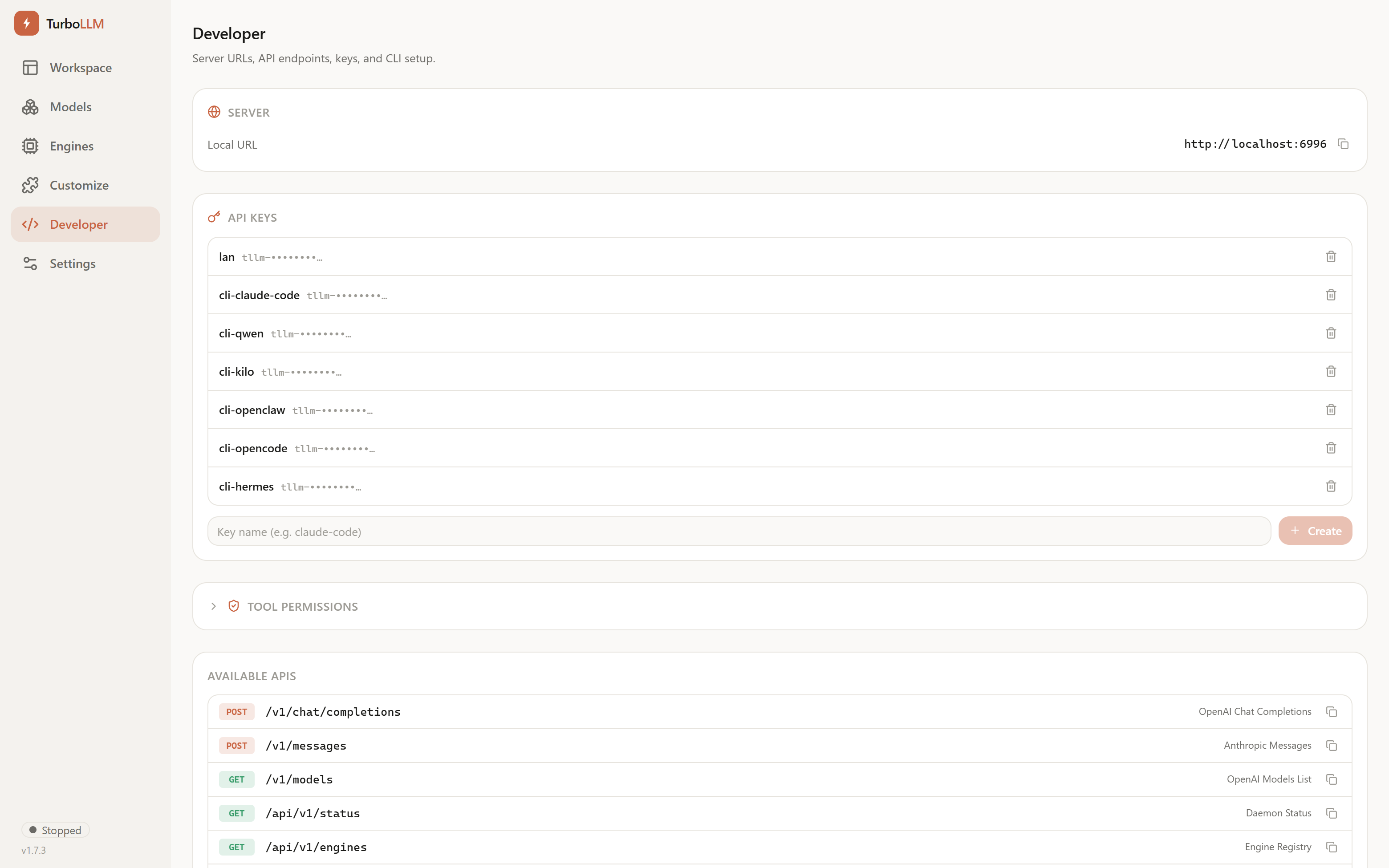
OpenAI and Anthropic-compatible — so Claude Code and every existing tool work unchanged.

Offline-first & private

No account, no backend, no internet, no telemetry. Your prompts, chats, files, and keys never leave your machine.

Use from any device

The UI runs in the browser, so any phone, tablet, or laptop on your LAN can use the model on your GPU box.

Speed: TurboLLM vs LM Studio

Same GPU (RTX 5070 Ti 16 GB), same model, same 200K context — measured generation speed.

Qwen3.6-35B-A3B · 200K TurboLLM LM Studio Speed-up
official llama.cpp — q4_0 74.7 t/s 61.0 t/s 1.2×
official llama.cpp — q8_0 72.3 t/s ~66 t/s 1.1×
TurboQuant fork — turbo4 24.6 t/s 11.4 t/s 2.2×
How TurboLLM works: clients → one lightweight daemon → any engine on your GPU

How TurboLLM works

Clients connect to one lightweight daemon, which runs any engine on your GPU. The daemon serves OpenAI and Anthropic-compatible APIs, so any tool can talk to your local models.

How TurboLLM compares

Focused on the differences that matter — all four are good tools, and the others move fast.

TurboLLM LM Studio Ollama Open WebUI
Run any engine / forks
Benchmark-based auto-tune
Measured t/s in model list
Anthropic API → Claude Code
OpenAI-compatible API
Lightweight (no Electron / Python)
Offline-first, no telemetry

Get started in one command

No installation, no setup. Just run it.

npx turbollm

Or install globally: npm install -g turbollm